
Business Applications
See how the parts can work together.
Explore illustrative business journeys across websites, customer conversations, operations and reporting. These examples show possible structures and decisions to test; they are not client case studies or measured business results.
01 / Application
Commerce & acquisition.
Make the offer easy to understand, then connect the visitor's next step to the business. A website, enquiry flow and source record should support one clear journey.

Workflow
- 01Attract
- 02Discover
- 03Enquire or buy
- 04Qualify
- 05Convert
- 06Measure
Demand and enquiry sources
Link campaign, referral and search sources to structured enquiries, qualification and opportunity stages. Give each customer journey a clear route into the business.
Collection discovery
Organise a considered range around the distinctions shoppers make. Let product form and photography lead, with fewer navigation choices where they help discovery.
Product decisions
Answer material, dimensions, care and delivery questions before purchase. Keep basket state legible and give each view one clear next step.
A connected experience
Plan responsive storefront, collection and product-detail views alongside the enquiry and checkout journey. Define measurement points from demand through customer conversion.
Measures to define.
- Qualified enquiries by source and source mix
- Product discovery and add-to-basket behaviour
- Opportunity progression and customer conversion
- Demand trends over an agreed observation period
Decisions to test.
How far can collection choices be reduced before discovery suffers? Test whether material storytelling answers a purchase question or delays the next step.
Usability, checkout completion and commercial impact require testing with actual shoppers.
02 / Application
Connected operations.
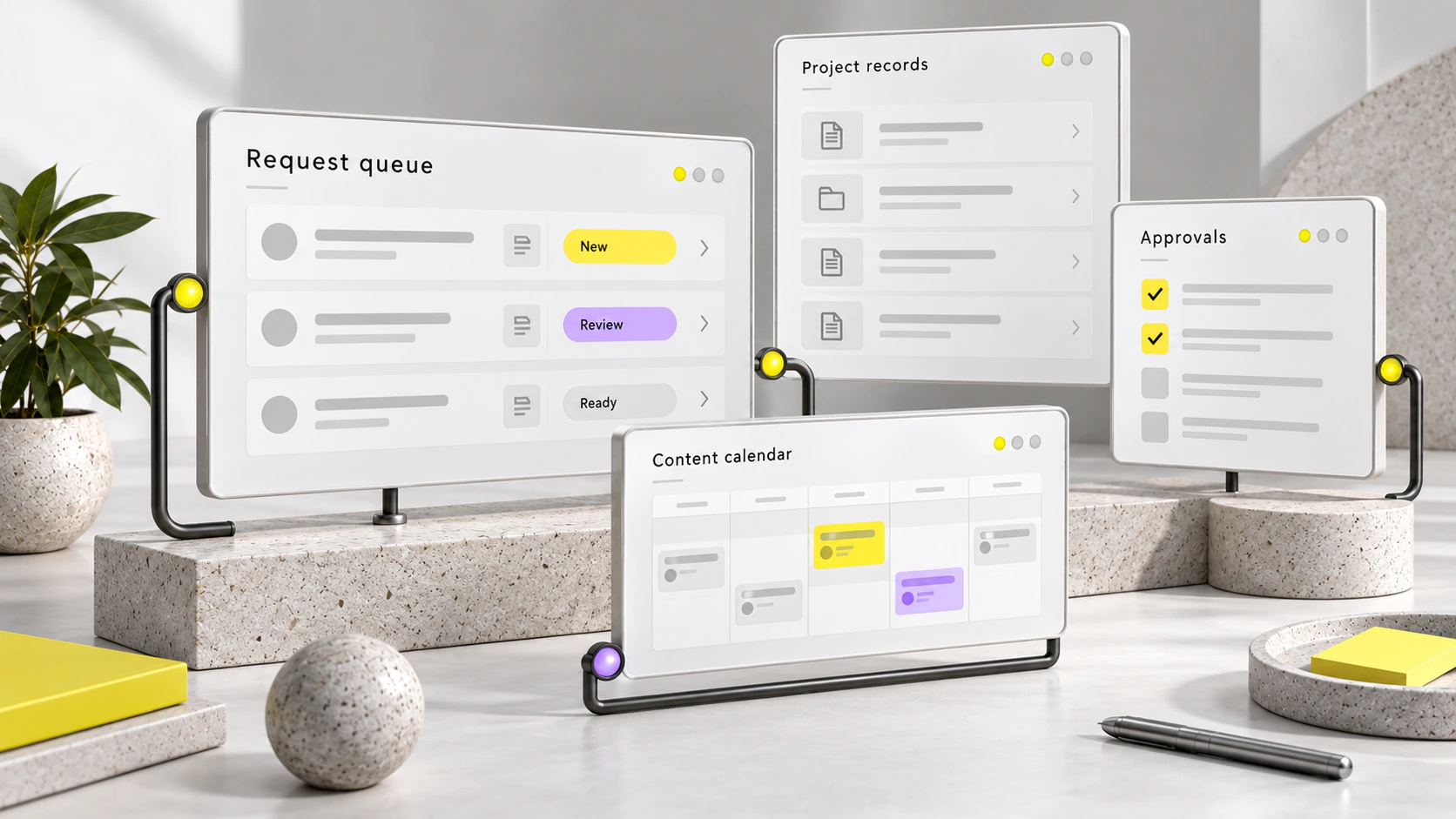
Give each request an owner, status and next action. An AI chatbot can handle agreed questions, while a bounded AI agent or fixed workflow can support defined handoffs. Human review and recovery belong in the design.
Workflow
- 01Intake
- 02Assign
- 03Review
- 04Approve
- 05Deliver
Enquiry to meeting
Capture enquiries consistently, qualify them, assign ownership and provide a human review step. Connect conversations with calendar availability, then follow the meeting, proposal and won stages.
Request and delivery queues
Bring request intake and CRM context into one view. Show status, ownership and blocked work explicitly, with approval gates, delivery updates, exception handling and an audit trail.
Content and publishing
Start with one editorial idea, then adapt it for a long-form piece, a short clip and a carousel, each with its own purpose. Plan scripts, sound-off captions, channel choices, calendar and approvals together.
Customer project workspaces
Group milestones, agreed decisions and documents by project stage. Define requirements and acceptance criteria, with permissions that reflect each person's responsibility and change as work progresses.
Measures to define.
- Response time and opportunity ageing by stage
- Human review exceptions and sales progression
- Request volume, cycle time and approval follow-through
- Unresolved exception age and publishing cadence
Decisions to test.
How much detail can a queue carry while remaining scannable? Decide whether exceptions need their own lane and where approvals protect quality without holding up delivery.
Validate routing, permissions and throughput against the team's actual processes. Authentication and customer usability need a working implementation; audience response and campaign effectiveness need measurement after publication.
03 / Application
Business visibility.
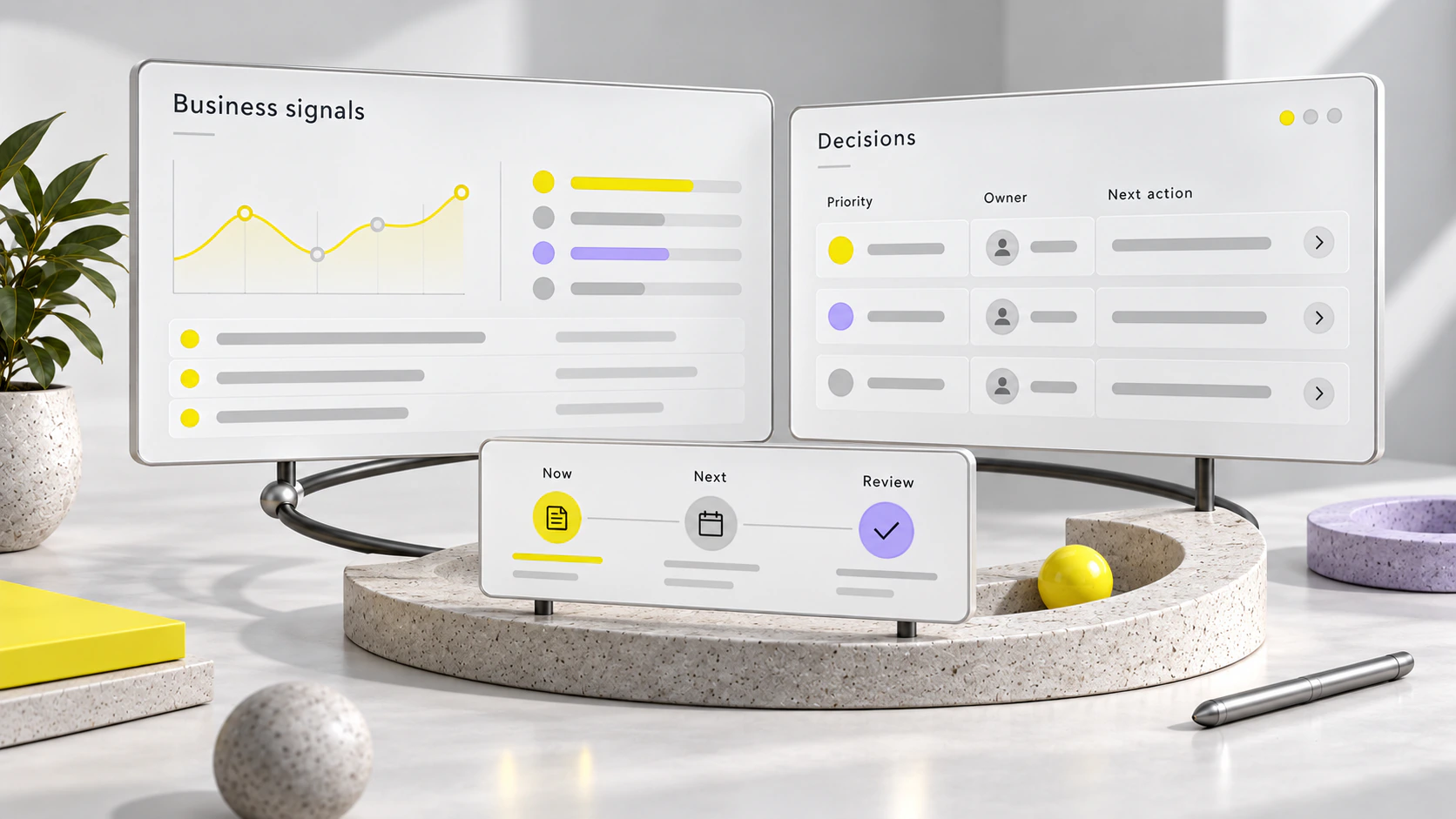
Bring agreed data into a useful view, then connect each decision to an owner and follow-up. Custom software should make the task and responsibility clearer.
Workflow
- 01Connect data
- 02Define measures
- 03Review
- 04Decide
- 05Follow through
Signals with context
Connect demand sources, opportunity stages, request status and approval records. Define what each measure includes, where its data comes from and how often it is reviewed.
A shared decision record
Record what was agreed, when and by whom. Attach supporting documents to the relevant stage, then make the owner, due review and next action easy to find.
Reporting for action
Use trend, volume, ageing and exception views to support specific business questions. Pair a measurement specification with the data model, access rules and acceptance criteria needed for the workspace.
Measures to define.
- Source quality, demand mix and customer conversion
- Response time, stage progression and ageing
- Delivery volume, cycle time and exceptions
- Decision ownership and action follow-through
Decisions to test.
Will a decision log stay useful if recording agreements is optional? Establish who updates it and how access changes as a project moves between stages.
Agree on definitions, data quality and an observation period before drawing conclusions. Review role permissions and the reporting model in a working implementation with the people who will use them.
Your business context
Define the next useful connection.
Start with the journey, bottleneck or decision that needs attention. The assessment establishes scope, ownership and what to validate before implementation.
