
Workflow automation
Connect intake, records, routing, approvals and reminders with rules your team can inspect.
02 — AI Agents & Automation
Cenqora develops AI agents and workflow automation for business tasks. Connect existing tools, automate repeatable steps and define where an agent may use information or take action. Start with one workflow, clear permissions and a person responsible for exceptions.
Teams handing work between disconnected tools
Businesses re-entering the same information
Operations leads needing clearer work status
Connect intake, records, routing, approvals and reminders with rules your team can inspect.
Scope an agent around an agreed task, permitted information and approved tools. Define which actions need a person before connecting it to business systems.
Test ordinary cases, incomplete inputs and failed connections. Agree alerts, limits, manual fallback and the person who maintains the workflow.
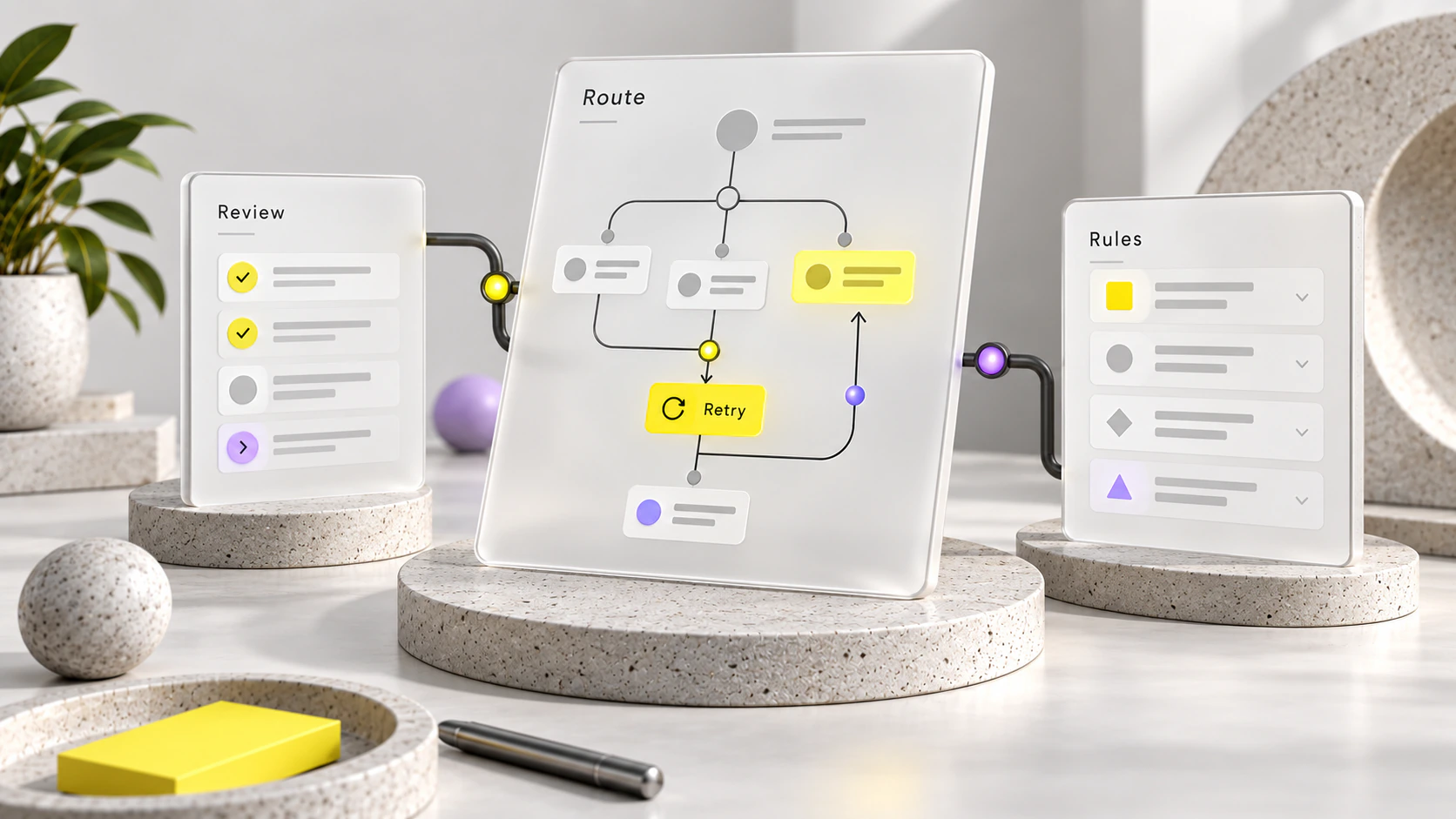
Workflow — approval before delivery
Requests route to approval, with exceptions sent to a person for review.
Deliverables
Document the handoffs, delays and duplicate entry in one workflow.
Connect existing systems and reduce repeated data entry.
Route requests and approvals to a defined team owner.
Track status and volume against agreed operational questions.
Document failures, alerts and the steps your team can take.
01
Walk the workflow with the people who run it.
02
Choose one workflow, agree the measures, confirm tool constraints.
03
Implement, test with real cases, review with the team.
04
Verify it holds, then expand to the next workflow.
We assess your existing tools first. Replacement is proposed only when their limits prevent the agreed workflow, with trade-offs reviewed before changes.
One defined workflow can be a first phase, with scope and measures agreed before implementation.
We define retries, alerts, ownership and a manual fallback, then document them at handover.
Use fixed rules when they can handle the task reliably. AI-assisted summaries or categorisation may help with human review. Agree permitted data, approved tools, human decisions, failure handling and acceptance checks before connecting a model.
We agree the task, permitted information, approved tools and actions, human review and acceptance checks. The proposal defines the build, integration feasibility, documentation and any ongoing support; capabilities are not automatically included in every automation project.
The quotation depends on the task, integrations, testing and ongoing support. Hosting, model usage and third-party subscriptions are agreed separately. Review the current pricing options, then request a scope for your workflow.
Share the task, current tools and the point where work gets delayed.
For qualification, booking and sales-stage ownership, start with your sales process. Explore CRM and lead follow-up.

AI chatbots, AI agents and business automation, alongside websites, CRM systems and custom software for India and global teams.
Explore services for scope, applications for workflow possibilities and pricing for engagement options.